Facebook posts and delivery recovery
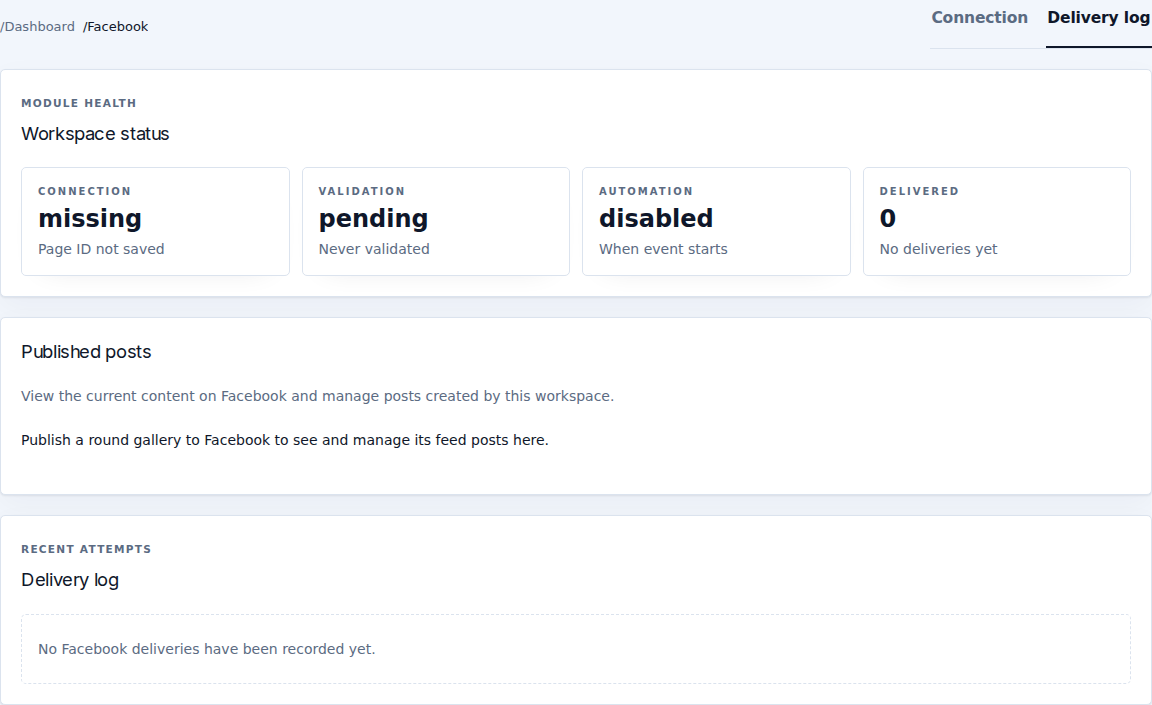
Open Facebook → Delivery log. It separates Published posts from Recent attempts. A configured Page or saved gallery is not proof that Facebook accepted its content.
Recent attempts
Each attempt shows its status, delivered/item counts, failed count, attempt time, manual/automatic trigger, album target and any error or skip reason.
- Queued/in progress: wait for an outcome before launching another publication.
- Success: inspect Open album and Open share post where provided.
- Error: read the exact error and check Page authorization, target album and image availability.
- Skipped: read the reason; it is not a successful delivery.
Use Refresh to reload recorded progress. Compare delivered and failed counts before attempting recovery.
An attempt ended without confirmation
A Facebook delivery recovery card can appear when EventSale cannot determine whether Facebook created a photo or post. Delivery pauses to avoid duplicates.
- Select Open Facebook destination and locate the original photo/post on the Page or album.
- Copy that existing object's numeric ID from its Facebook link.
- Enter Existing Facebook photo or post ID. The field accepts a numeric ID or the displayed compound-ID format, not a whole URL.
- Select Confirm existing content. While the publication is still running, the action remains unavailable.
- After confirmation, open the round and publish again to continue remaining items. Confirmed content is reused.
If you cannot find the content or cannot identify its ID reliably, contact support before attempting another publication. Do not guess an ID or delete content to make the status look successful.
Manage published posts
The post manager lets authorized staff inspect posts created by this workspace and follow their Facebook links. Delete post deletes the selected feed post from Facebook after confirmation and cannot be undone there. Photos published separately to the album remain.
Deleting a feed post is different from unpublishing the EventSale gallery or removing album photos. Check which content you intend to remove before confirming.