Check the activity audit
Open the avatar/account menu in the dashboard header, then Audit. This is a read-only record of supported workspace actions. It helps identify who changed something and when.
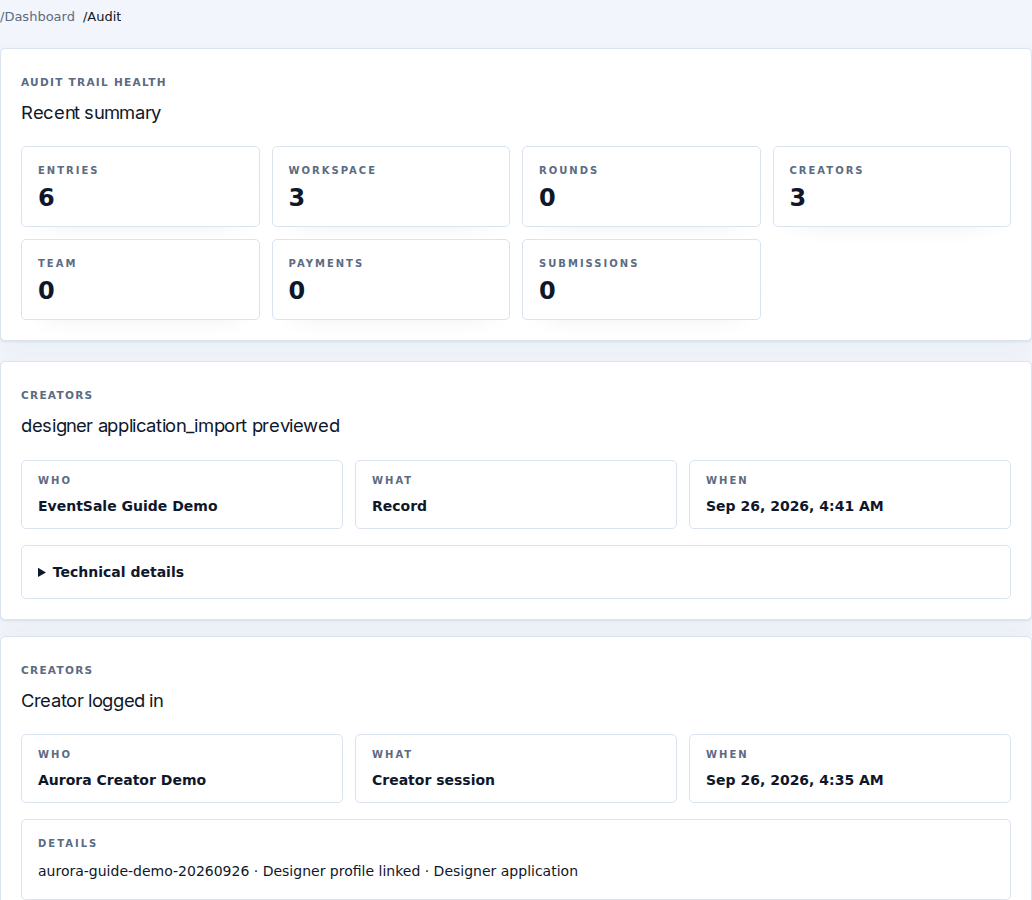
The summary groups entries by workspace, rounds, creators, team, payments and submissions. Each record shows Who, What, When, and an action description. Technical details expands additional recorded context when you need to investigate or contact support.
Use it to investigate
- Identify the affected round, designer, receipt or configuration.
- Find the corresponding action near the time reported.
- Compare the actor and action with the current page state.
- Include the relevant record/time and exact error in your support request.
An audit entry is not an undo button. It also does not replace the payment ledger or a confirmed external delivery: use Payments, Billing, Discord delivery log or Facebook delivery log for those results.
If Audit is unavailable to your role, ask the owner or an authorized manager to inspect it. Keep account secrets and private recipient details out of public screenshots when sharing evidence.