Audience segments
Open Audience → Segments. A segment is a named group used to select recipients for a campaign.
System versus custom groups
System groups are maintained from event activity. Examples include Approved Designers, Designer Applications, Creator Managers, Workspace Team and Default. Their membership follows EventSale's rules; system groups cannot be edited or deleted like a custom list.
Custom groups are maintained by your team, for example Creators requesting weekly reminders. A descriptive group name helps another operator choose the right recipients.
Create a custom segment
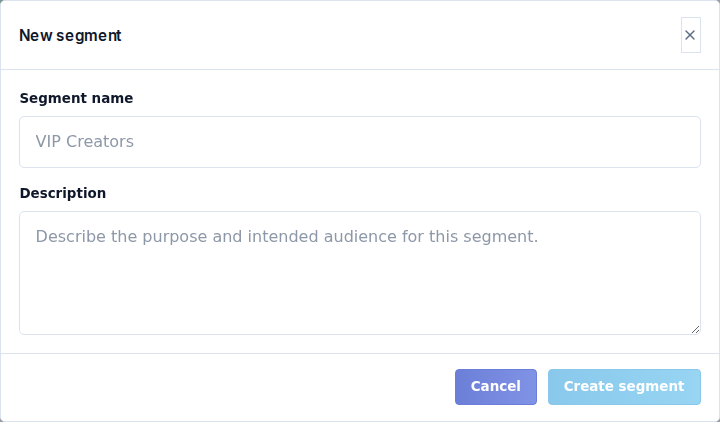
- Select New segment.
- Enter Segment name.
- Enter an optional Description explaining who belongs in it.
- Select Create.
- Add members through Contacts → Manage segments, or attach imported contacts to the segment during Audience import.
Creating the segment does not automatically find people for it. Check the member count and inspect the group before scheduling a campaign.
Edit a custom segment to maintain its name/description. Deleting it removes the grouping, not all the contacts inside it. A group with members can still have fewer eligible campaign recipients because suppression and delivery eligibility are checked separately.