Investigate delivery issues
Open Delivery issues when a customer reports a missing item or the dashboard shows stalled work.
Find the relevant work
- Ask for the purchase time, Product name, buyer/recipient and transaction reference.
- Open Delivery issues.
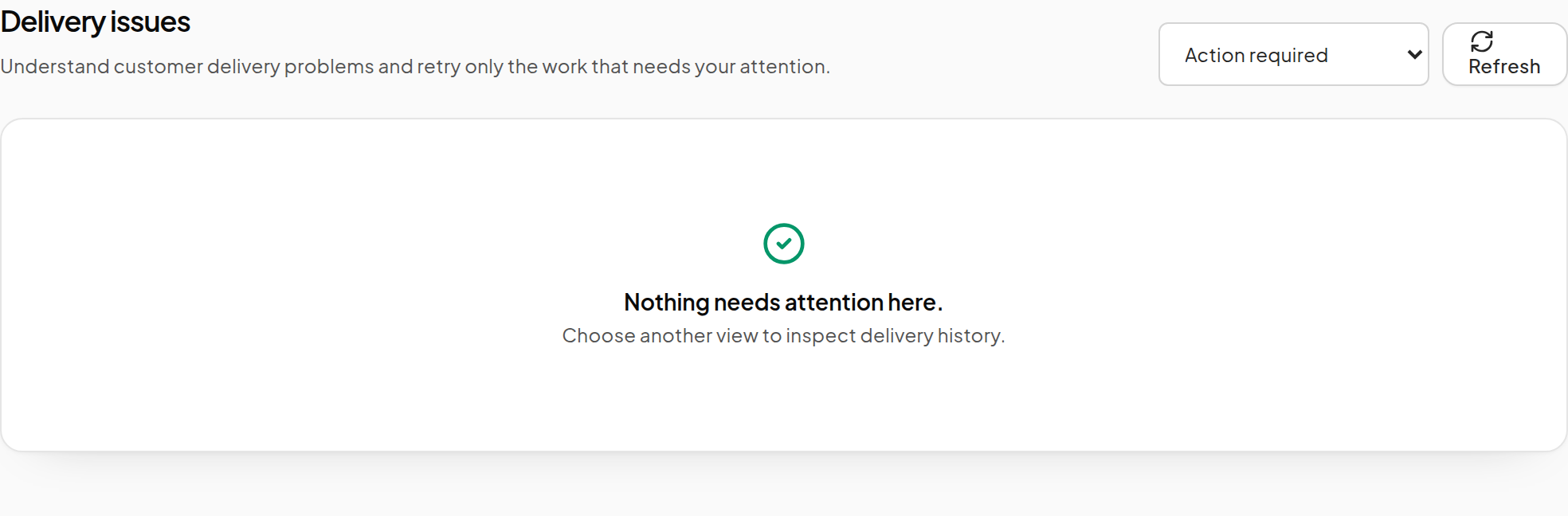
- Choose Action required, In progress, Resolved, Canceled or All deliveries.
- Use the available search and filters to identify the matching record.
- Open its details and read the reason and available action.
- Use Refresh to check a recent change.
Interpret the state
| State or view | What to do |
|---|---|
| Pending or in progress | Allow the existing work to proceed; check its Dropbox if it remains stalled. |
| Waiting webhook | Verify the Product's external approval service. |
| Failed / action required | Read the failure reason and correct the underlying item, permission or availability problem. |
| Sent / resolved | The delivery process recorded completion; ask the customer to check their inventory offer and received items. |
| Canceled | Inspect why the task was canceled before considering a new action. |
An accepted queue request and a customer's visible receipt are different observations. Keep the actual transaction and delivery details together when helping the customer.
Before retrying
- Confirm that the correct source Dropbox is online.
- Confirm that the item still exists and the owner can transfer it.
- Resolve any required webhook approval.
- Check whether another attempt already completed.
- If the record offers a supported retry action, use it once and follow that same work item.
A retry of an inventory task is not a retry of a Linden Dollar payment. If the issue concerns a commission, partner transfer or refund, use Finance and reconcile the transfer evidence.
Information for support
Provide the time, Product and Vendor names, transaction reference, delivery status, error message and whether the recipient received an inventory offer. A focused screenshot of the relevant record is more useful than a full desktop screenshot.
Do not post passwords, Marketplace salts, script credentials or personal Redelivery links. For broader setup issues, see Troubleshooting.