Discount profiles
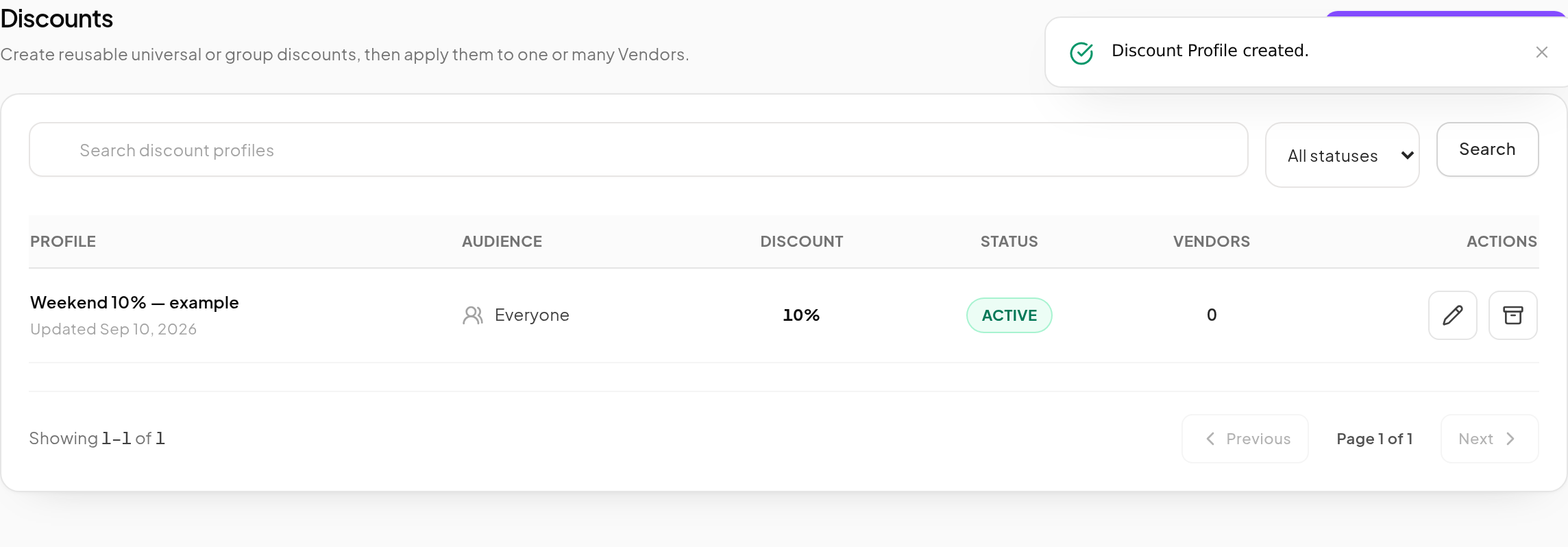
A discount profile is a reusable percentage and audience that you can assign to several Vendors. Editing the profile updates the policy for its linked Vendors.
Create a profile
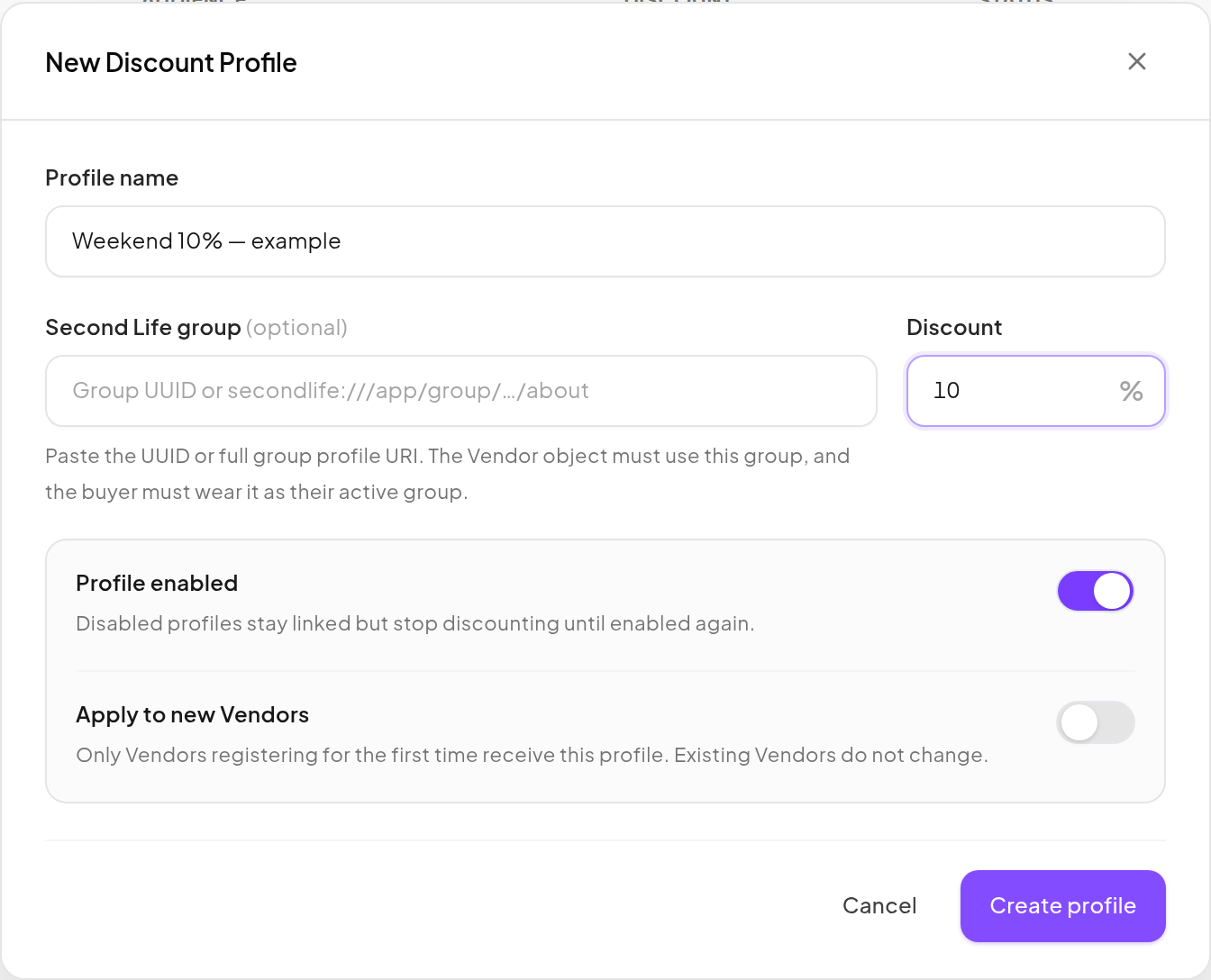
- Open Discounts and click New discount profile.
- Enter a recognizable Profile name.
- Leave Second Life group blank for everyone, or enter the intended group's UUID or supported group profile URI.
- Enter the Discount percentage.
- Keep Profile enabled on when it should be usable.
- Enable Apply to new Vendors only if this should be the default for future registrations.
- Click Create profile.
Assign it to a Vendor
- Open Vendor → Vendors and edit the intended Vendor.
- Under Pricing & discounts, choose the profile in Discount source.
- Review the regular and effective prices in Summary.
- Click Save changes.
- Check the customer quote on that Vendor.
You can also use the Vendors list's bulk controls to apply a profile to the selected Vendors. Confirm the selection before applying it.
Universal versus group discounts
| Audience | Customer requirement |
|---|---|
| Everyone | No Second Life group membership requirement for this discount. |
| A specific group | The Vendor object and the customer must use the required active Second Life group. |
A dashboard Vendor Group is an organizational folder; it is not a Second Life group. A group discount also differs from Restrict this vendor to group members only, which controls purchase access.
A Product with Never discount retains its protected price. An allowed Vendor override establishes its regular price before the discount. Universal 100% discounts can make a Product free; a group-only 100% discount on a positive-price Product is not supported.
Change or stop a promotion
- Edit the profile to change the linked Vendors' current discount.
- Disable a profile to stop its discount while retaining the links.
- Archive a profile only after checking its usage: archiving detaches linked Vendors to No discount.
- Changing the default affects future Vendor registrations, not every existing Vendor.
Completed sales retain their original amounts. See coupons for code-based offers and reports for checking results.